SAMSUNG · ANDROID TV · FIRE TV

Beam apps to your Smart TV. No cables. No PC.

BeamTV sends .wgt and .apk packages straight to your TV over Wi-Fi — with automatic TV discovery, guided Developer-Mode setup, and a live install terminal.
Get BeamTV FreeRead the FAQ
📺 3 TV platforms🚫 No PC needed🔒 On-device transfers
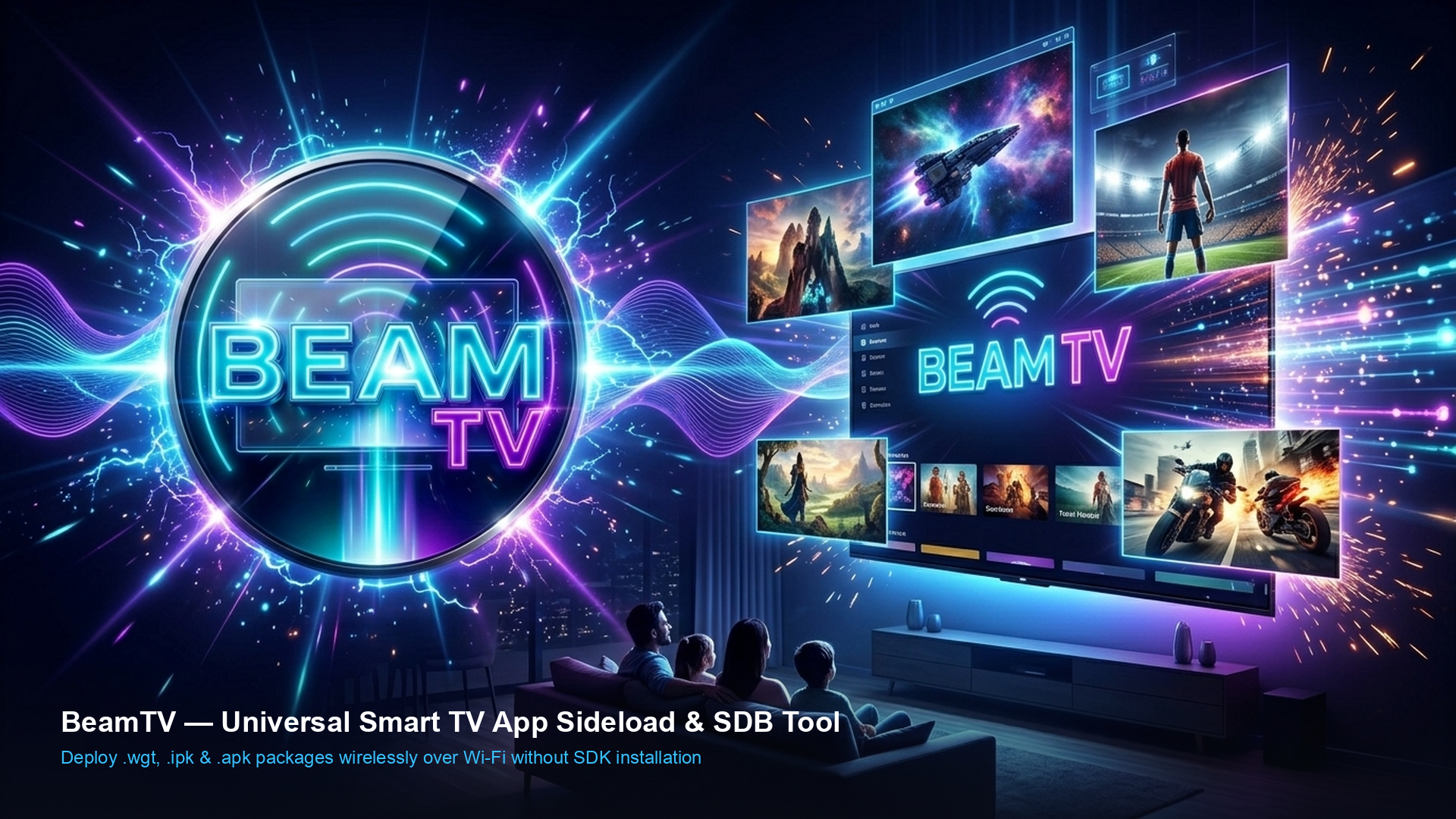
BeamTV wireless beaming showcase
SUPPORTED TVS

One app, every major TV OS

Pick your platform in the app and BeamTV handles the ports, protocols and install commands for you.

Samsung Tizen (.wgt)

Developer Mode via the secret 1-2-3-4-5 menu, SDB install on port 26101 — fully guided in-app.

Android & Google TV (.apk)

Wireless ADB debugging flow with one-tap pm install.

Amazon Fire TV (.apk)

ADB debugging + unknown-sources checklist built into the setup guide.

Auto TV discovery

Scans your Wi-Fi for Samsung and Android / Fire TVs — tap a found TV to target it.

Live SDB logs

Watch every handshake, upload byte-count and install result in the terminal.

HOW IT WORKS

Sideload in 4 steps

Phone and TV must be on the same Wi-Fi network.

Enable Developer Mode on your TV

Open the in-app TV Guide — it shows the exact menu path and your phone's LAN IP to register.

Scan & pick your TV

BeamTV probes your subnet and lists every compatible TV it finds. Or type the IP manually.

Choose your package

Select a .wgt or .apk file from your phone.

Hit Install to Smart TV

BeamTV uploads the package over the SDB/ADB protocol and triggers the platform installer.

BEAMTV PRO

Free forever. Pro removes the ads.

One-time $4.99 lifetime unlock. No subscription.

Free

$0
  • Unlimited TV installs
  • Auto TV discovery
  • All 3 TV platforms
  • Setup guides
Download Free
LIFETIME

BeamTV Pro

$4.99
  • 100% ad-free experience
  • Supports independent development
  • Restore on reinstall
  • Lifetime license, all TVs
Unlock in App
DOWNLOAD

Get BeamTV

Available on Android and iOS. Free with optional Pro upgrade.

Android 7.0+. After downloading, open the file and allow “Install unknown apps” for your browser. The app tells you when a new version is ready.
TOP QUESTIONS

Quick answers

Is sideloading legal?
Yes — installing your own apps or openly distributed packages in Developer Mode is a supported TV feature. Only install packages you trust.
Do phone and TV need the same Wi-Fi?
Yes. Both must be on the same local network so BeamTV can reach the TV's SDB/ADB port.
Why won't my TV connect?
The usual causes: Developer Mode is off, the phone IP isn't registered as Host PC IP (Samsung), or a router isolates wireless clients. The in-app TV Guide covers each case.

See all 12 FAQs →